Create an app that gives a marine electronics department a single source of truth for what’s installed on every boat in a fleet, and a full record of every repair, maintenance visit, and replacement performed on it. It was designed to replace informal paper tickets and spreadsheets with something technicians can use standing on a dock with a phone in hand.
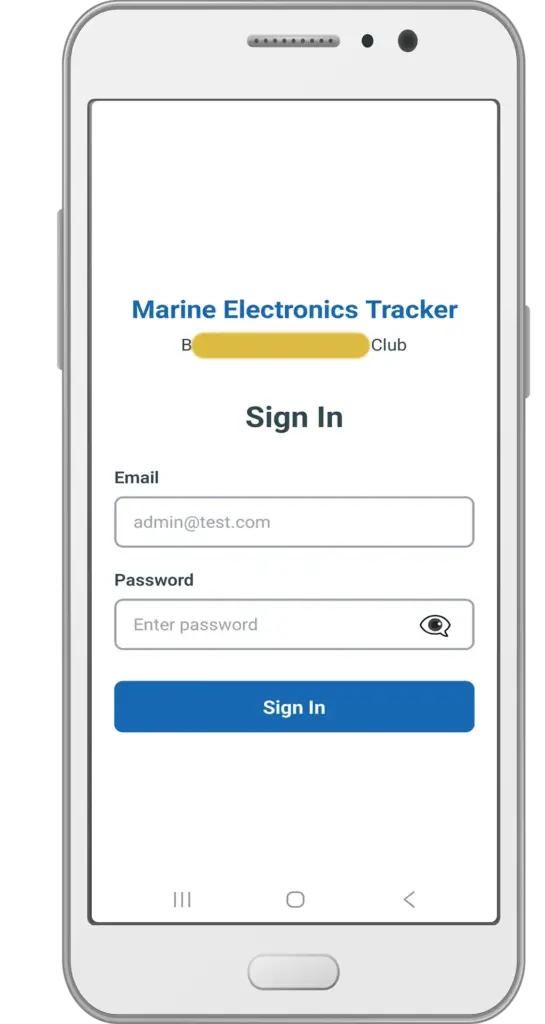
Sign In Screen & Roles
Secure login with industry-standard password hashing and account lockout protection. Two roles — Admin and Technician — share most day-to-day functions, with boat creation/editing and record deletion reserved for admins.
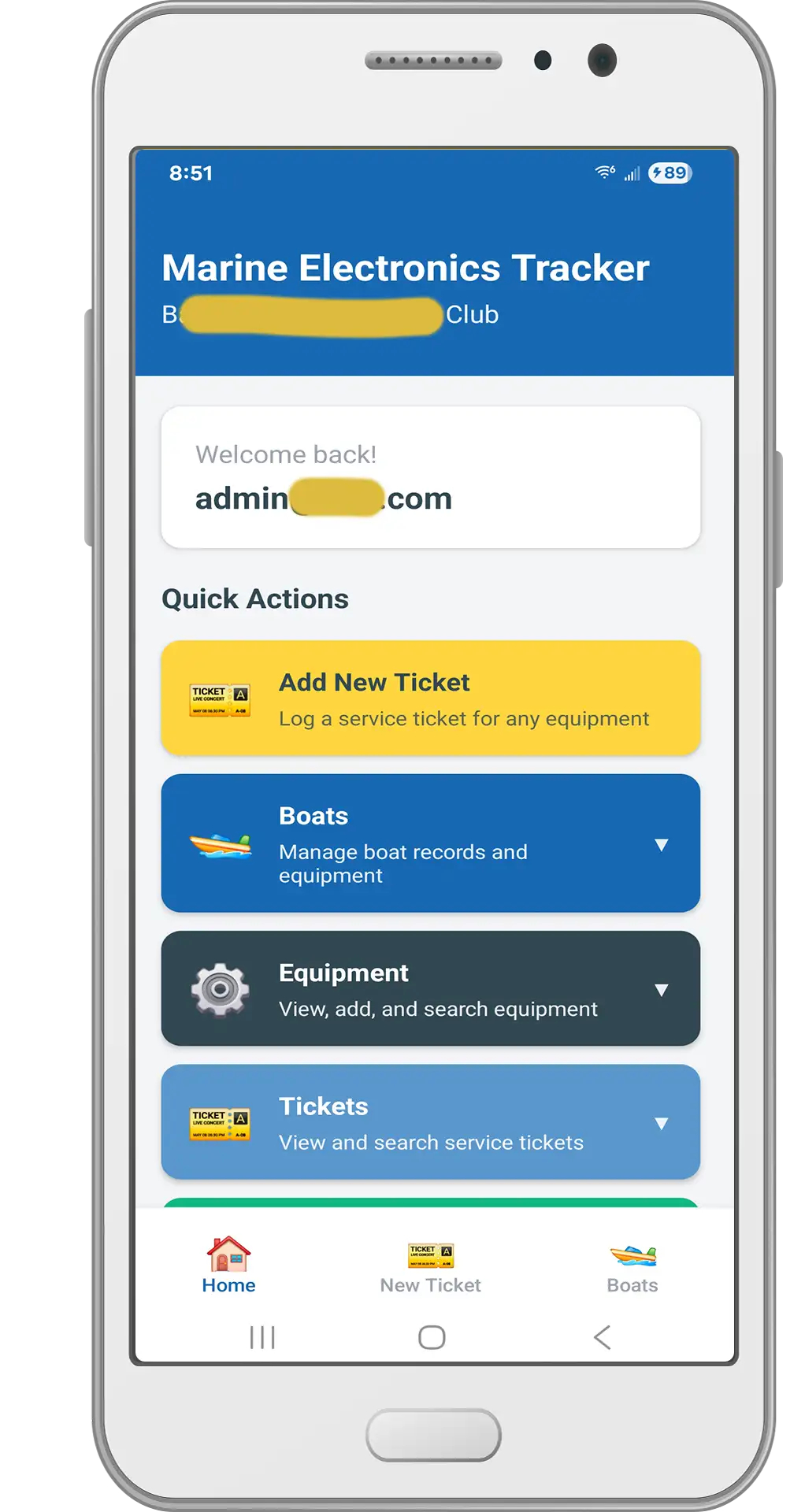
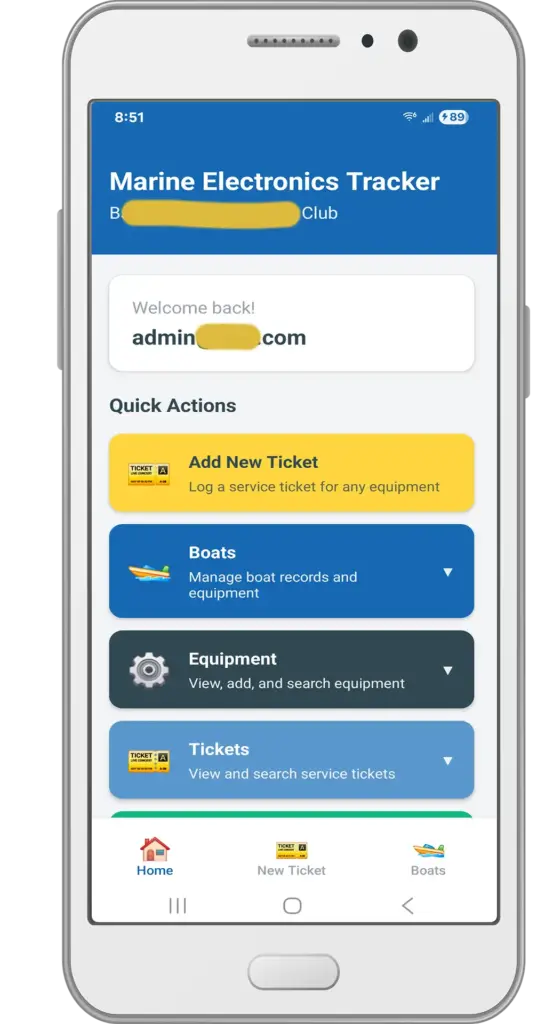
Home Screen
A quick-launch dashboard with one-tap access to the most common actions: add a new ticket, search boats, and browse equipment — the things a technician needs most during a shift.
Most Used quick links are easily accessible at the bottom of the screen.
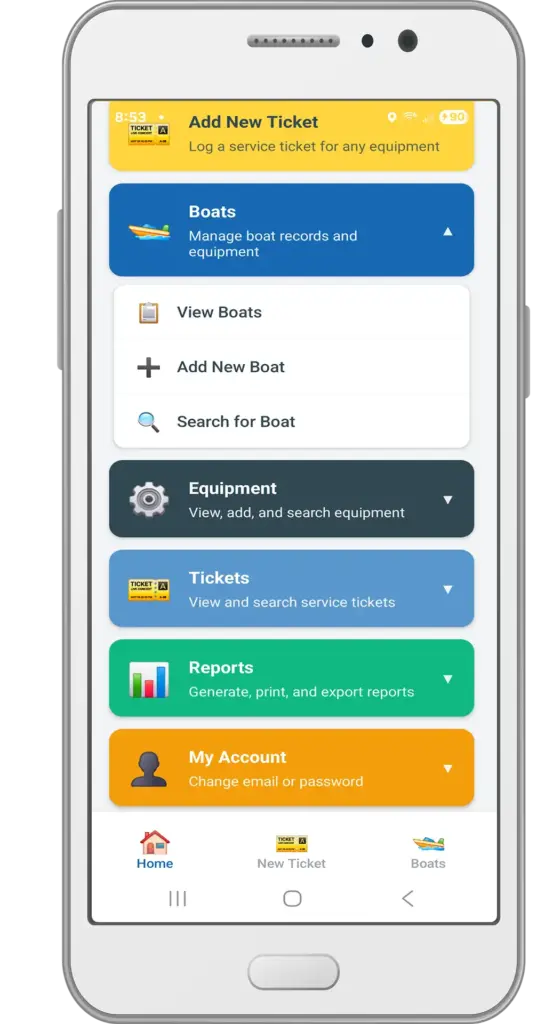
Boats Welcome Screen
Main navigation to a searchable directory of every boat in the fleet. Each boat has a detail page with its own info (name, registration, make/model, photo) and a full tabbed equipment list. Admins can add new boats and edit existing records; search filters by name, make, model, and boat type.
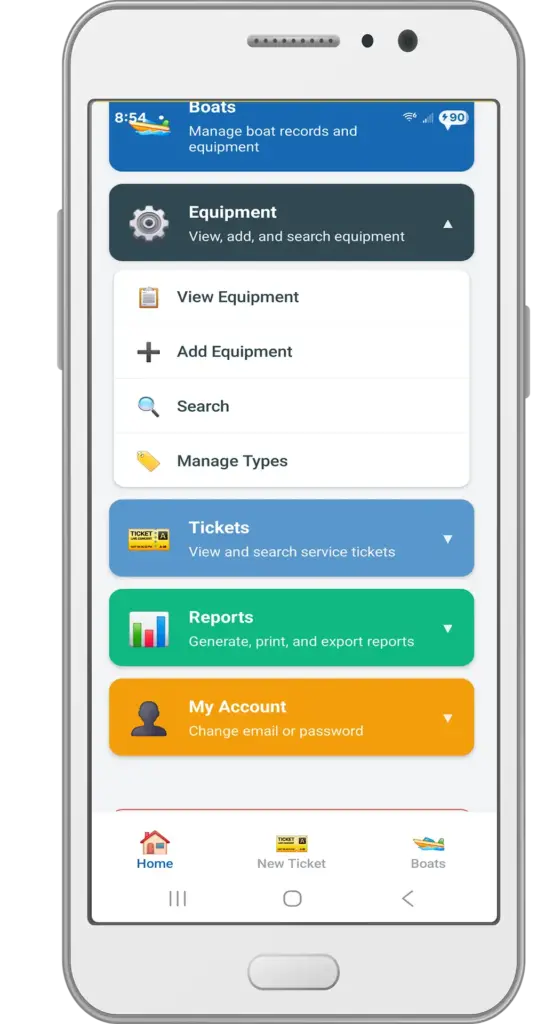
Equipment Welcome Screen
Main navigation to every GPS, radio, radar, autopilot, chartplotter, and VHF unit — plus any custom equipment type a technician adds on the fly — is tracked per boat with brand, model, serial number, photo, and warranty details. A dedicated search screen filters by type, brand, model, or boat.
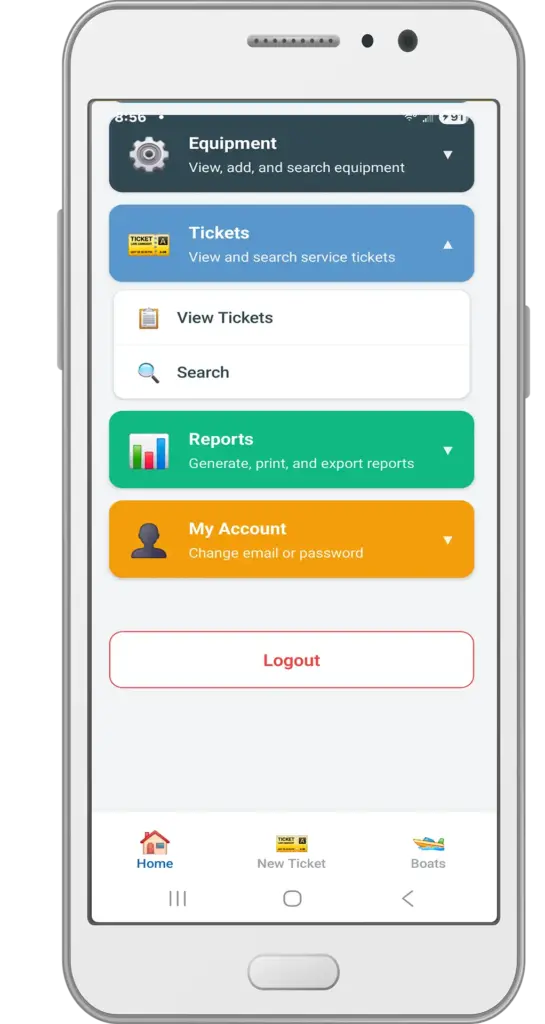
Ticket Welcome Screen
Main navigation to ticket service history. Every install, repair, maintenance visit, or replacement is logged as a ticket tied to a piece of equipment, complete with technician name, date, cost, notes, and an optional photo. Auto-generated ticket numbers keep records organized, and a search screen makes it easy to pull up any past ticket by number, date, or boat.
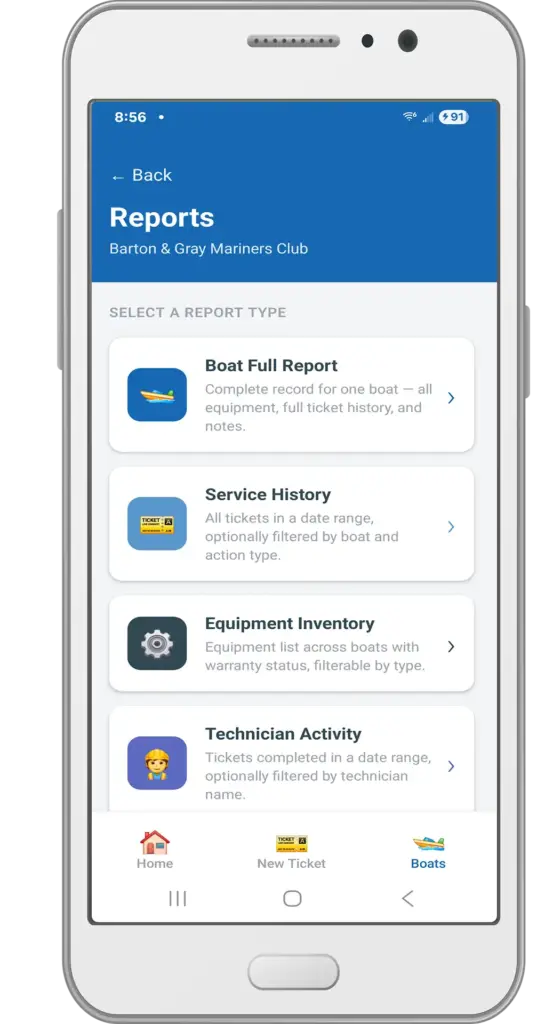
Reports Welcome Screen
Main navigation to a built-in report builder generates four report types — boat summaries, service history, equipment inventory, and technician activity — with on-screen previews and one-tap export to PDF, Excel, or CSV (with user-selectable fields).
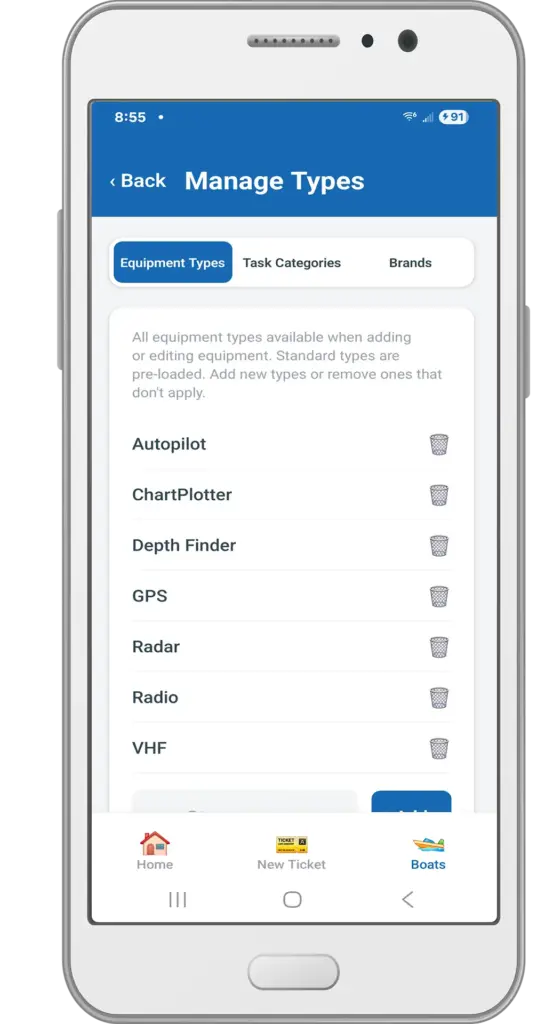
Manage Equipment Types Screen
Admins can maintain the shop’s own lists of equipment types, task categories, and brands, so dropdowns across the app stay current with how the shop actually talks about its gear.
My Account Welcome Screen & Data
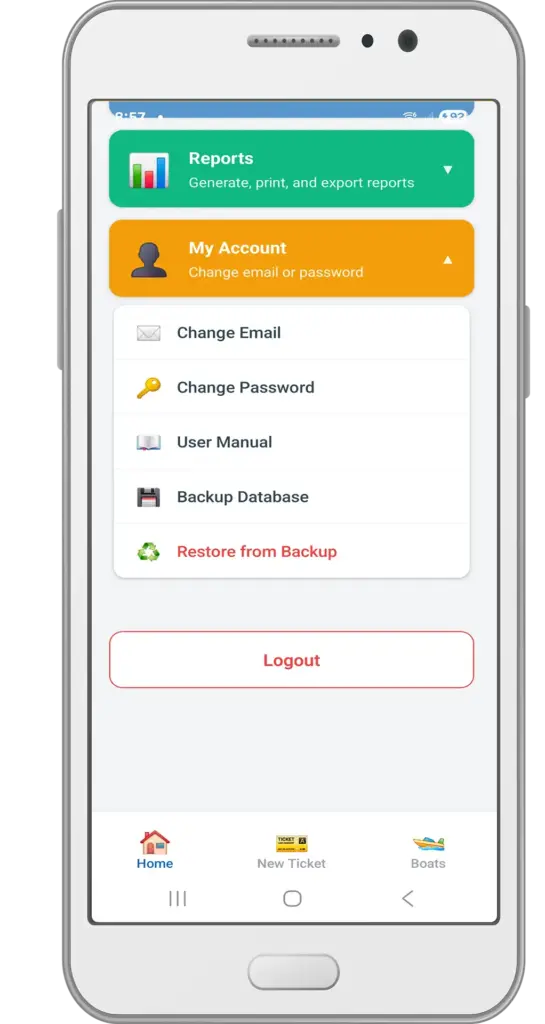
Self-service email/password changes, plus an admin-only database backup and restore flow — giving the shop confidence in their data without needing any outside IT support.